Enjoy millions of the latest Android apps, games, music, movies, TV, books, magazines & more. Anytime, anywhere, across your devices.
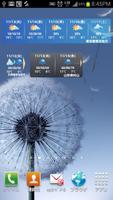
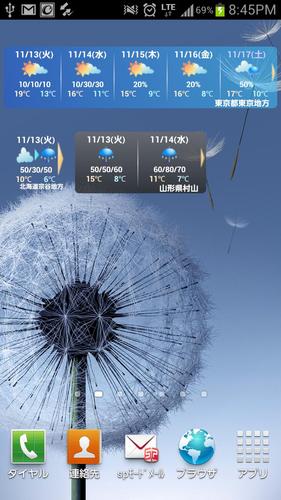
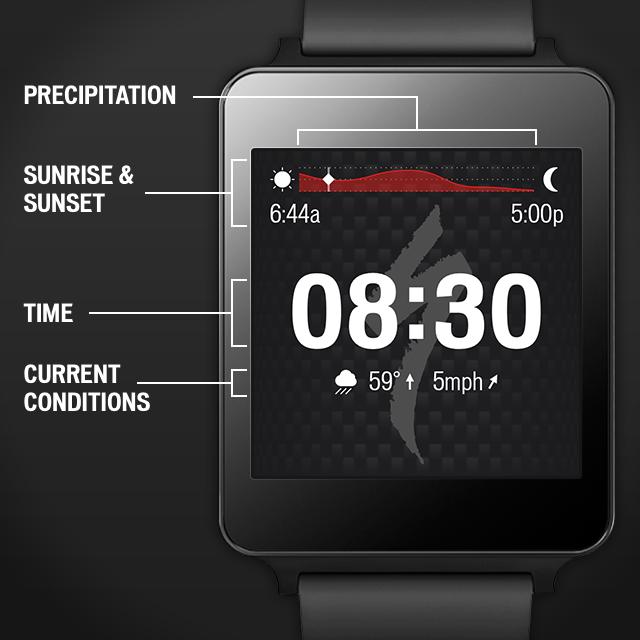
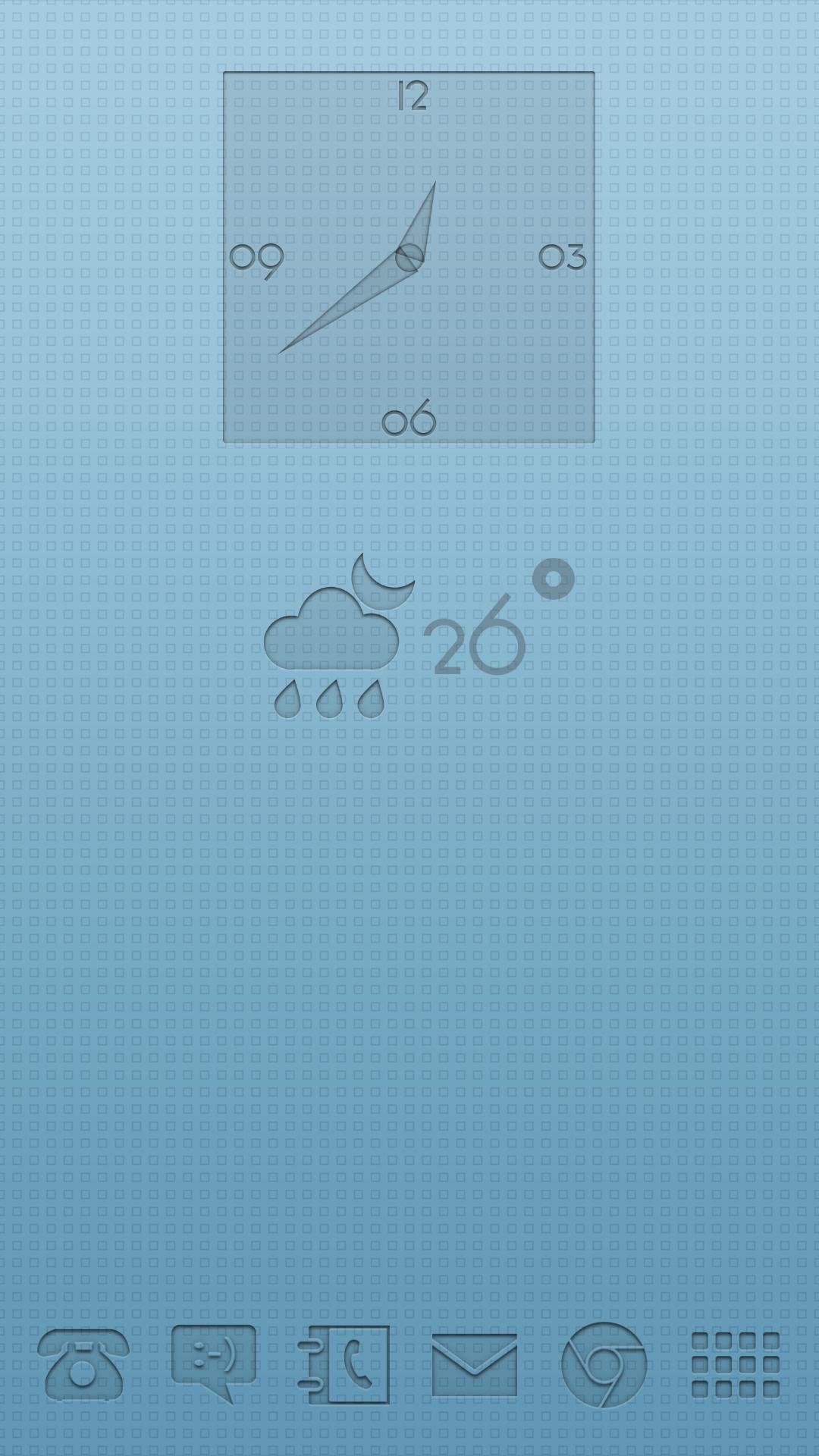
This is a widget that constantly displays the weather forecast for the last 8 days.
(Pronounced Cliff Weather.)
You can now share weather forecast images on Facebook and the LINE app!
Sharing can be done on the main screen that opens by tapping the widget.
I'd be happy if you could use it for tweets like "Nice weather this weekend! Where should I go?"
■□Important□■
Future versions will be developed for Android 2.1 or higher.
If you are using Android 2.0 or lower, please continue to use Ver4.5.4.
(Upgrading is not possible for Android 2.0 or lower,
You can continue to use the app. )
<Function overview>
・Using Weather Service's weather forecast information XML
・Display the weather forecast for the week in an easy-to-understand manner using icons, etc.
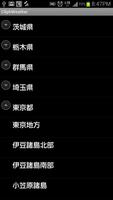
・You can select the weather forecast information to be obtained from all over Japan.
・Weather forecast is automatically updated three times a day at around 6:00, 12:00, and 18:00 (automatic update can also be turned off)
*To reduce server load, updates will be made randomly between 0 minutes 0 seconds and 59 minutes 59 seconds.
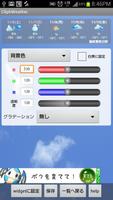
-You can freely customize the background color and various font colors. Re-editing is also possible.
*We have included some recommended designs from the beginning.
- There are three widget sizes for portrait screens: 4×1, 2×1, and 1×1.
・You can set the region and design for each widget
- Equipped with launcher function for other weather forecast apps
*Other apps require separate installation.
・You can share images of the weekly weather displayed on the main screen to Facebook, Line, etc.
<Data source>
Select and use the weather forecast information XML published on the following sites.
http://www.otenki.co.jp/xml/xml_index.html
The update cycle is three times a day: 5 a.m., 11 a.m., and 5 p.m.
<Installation method>
Press the menu button on the standby screen and select Add from the menu that appears.
Select the widget and select the size you like, such as "CliphWeather4×1" from the widget list that appears.
*Cannot be installed if there is no space on the standby screen.
*For Android 4.0 or higher, install from the "Widget" tab of the app launcher.
<Others>
For inquiries, please visit our Facebook fan page.
http://www.facebook.com/cliphweather
You can also access it from the "information" menu within the app.
Additionally, from ver4.0.4 we have implemented a log sending function upon forced termination.
When forced to close, the error log will be temporarily saved on the SD card.
The user can select to send the error log the next time the app is started.
If you do not want to send it, you can cancel it, and even in that case, the error log will be deleted.
Read more